Bodycam Steam Key: Safe Activation and Buying Guide
Learn what a Bodycam Steam key activates, where the PC game is sold, how region limits work and which price or release claims need verification.
Quick answer: A Bodycam Steam key is a code used to activate the official PC game on Steam, but availability, region limits and third-party prices must be verified before purchase.
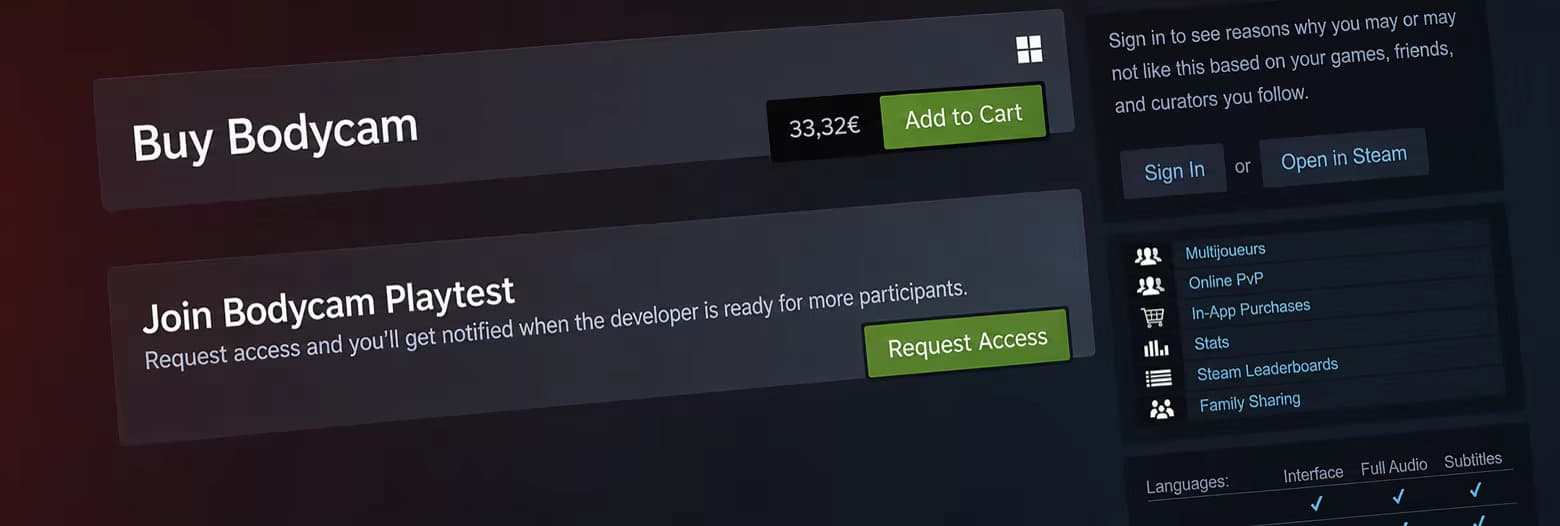
A Bodycam Steam key is an activation code intended to add the official Windows PC game to a Steam account. The correct product is Bodycam by Reissad Studio, Steam app 2406770. Key availability, current prices, seller reliability, and region restrictions are time-sensitive and therefore 待确认 until checked on the actual offer.
What a Steam key does
An ordinary Steam key is redeemed through Steam’s “Activate a Product on Steam” flow and permanently attaches the licensed game to the receiving account, subject to Steam and publisher terms. After successful activation, Steam manages the download and updates. The key itself is not a separate edition or platform.
The collected AllKeyShop explanation broadly describes a Bodycam key as a digital activation code for the PC game on Steam. That general definition is useful, but marketplace copy is not official proof that every listed seller or offer is authorized. Each offer still requires independent verification.
Identify the correct Bodycam
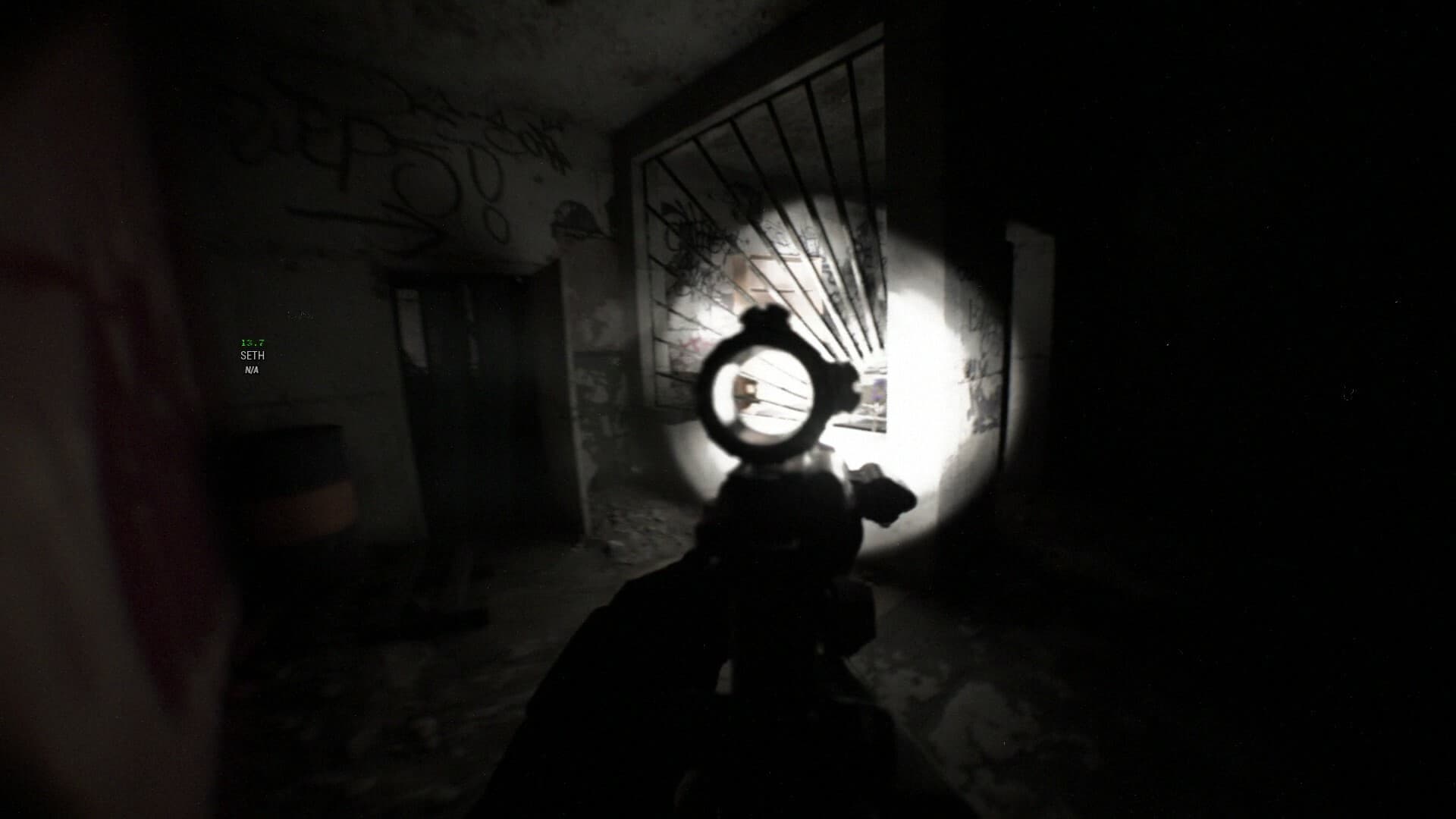
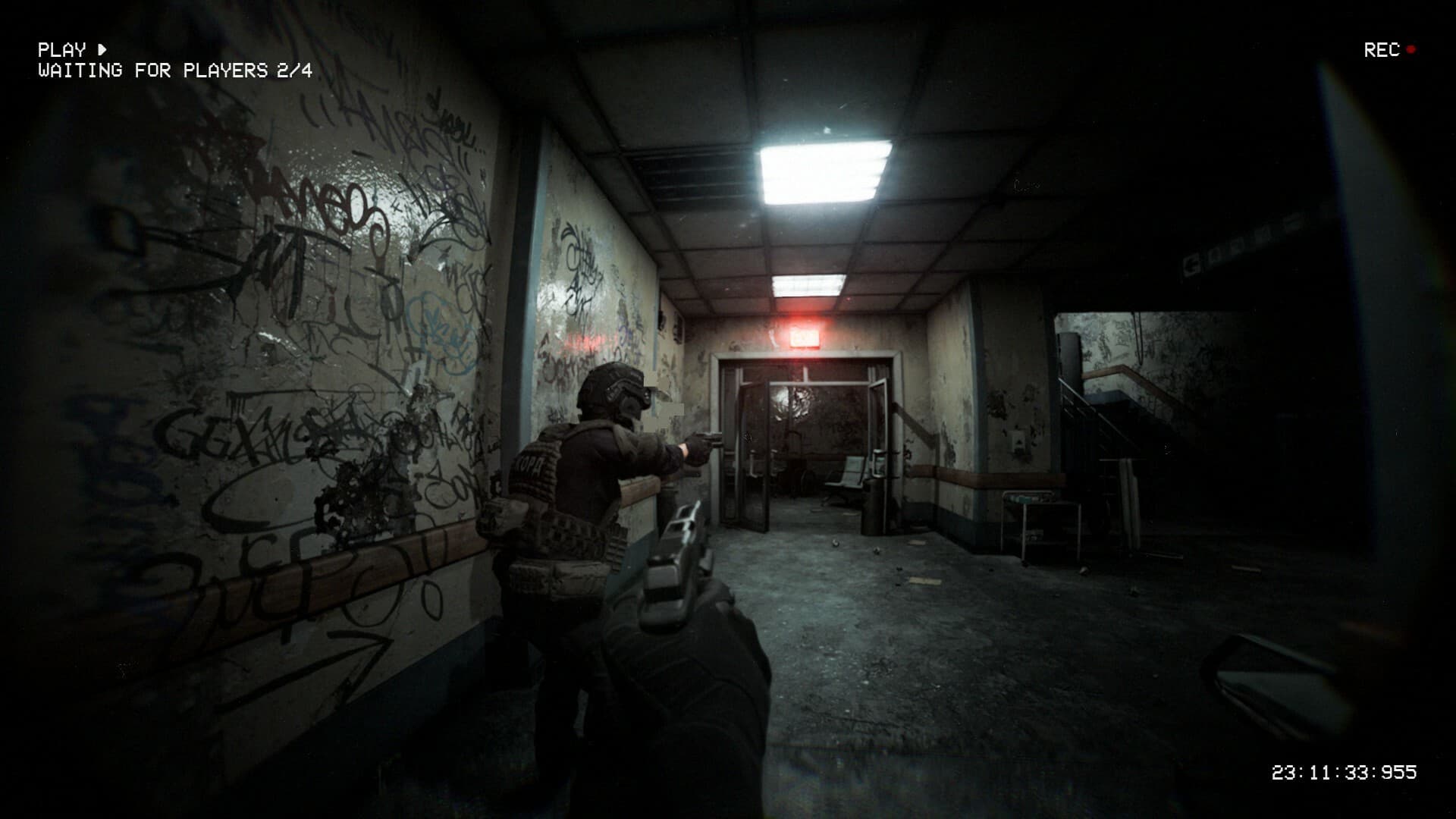
The official game names Reissad Studio as developer and publisher and entered Early Access on June 7, 2024. It is a tactical multiplayer FPS with a true body-camera view in Unreal Engine 5. Its verified modes include Wingman, Body Bomb, Team Deathmatch, Deathmatch, Hardpoint, Gun Game, and Zombies.
Reject listings that point to similarly named Xbox, PlayStation, mobile, or Meta Quest games. Also reject release information that conflicts with the official June 2024 Steam history. One collected key-comparison page displayed August 19, 2026 as a release date, so that field was treated as invalid.
Key, gift, and account products differ
A Steam key is a code, a Steam gift is transferred through Steam, and a Steam account product gives access to a separate account. These product types can appear next to each other on comparison pages even though ownership and risk differ. A cheap account listing should not be described as a cheap Bodycam key.
Buying an account can involve transfer restrictions, security issues, and recovery risk. The collected official Bodycam sources do not recommend account products. This guide therefore treats only a clearly labeled key redeemed on the buyer’s own account as a Bodycam Steam key.
Check the activation region
Keys can be global, restricted to a country group, or unavailable in particular regions. The activation region must match the Steam account and the seller’s written conditions. A key that cannot activate is not a discount, regardless of the listed price.
The collected marketplace snapshots do not provide one stable region table for all current offers. Region compatibility is 待确认 for every individual listing. Never infer compatibility from currency alone.
Compare the full price
Third-party pages may show coupons, temporary discounts, service fees, taxes, or converted currencies. The initial number can differ from the final checkout amount. Because these values change, no permanent “cheapest Bodycam Steam key” claim is reliable in this article.
Use the official Steam price as the baseline, then compare the final key price in the same currency. Include any fee and the loss of Steam’s direct purchase support. The current exact official and third-party prices are 待确认.
Seller and refund checks
Comparison sites can aggregate independent marketplaces and sellers. Check who actually supplies the key, how long the seller has operated, what buyer protection applies, and whether a revealed or activated key can be refunded. A comparison-site rating does not replace the seller’s own terms.
This page does not certify Driffle, G2A, AllKeyShop, Loaded, or any other collected third party. Their inventory and policies can change after this article is written. The official Steam listing remains the lower-complexity purchase route.
How to activate a verified key
Open the official Steam client, sign in to the account that should own the game, choose the product-activation option, and enter the key exactly as provided. Confirm that Steam identifies the expected Bodycam product before accepting the final activation. Do not enter credentials on a seller page that only needs to deliver a code.
If Steam reports a region error, duplicate key, or invalid code, stop and use the seller’s documented support process. Do not repeatedly buy replacement offers without resolving the product type. Specific resolution times are 待确认 because they depend on the seller.
Early Access and updates
A valid key activates the same Early Access game sold directly on Steam; it does not bypass the Early Access status. Bodycam launched on June 7, 2024 and continues to change. The announced v0.8 Locked & Loaded update includes rebuilt animation, expanded weapon customization, sound, progression, the Trenches map, FPV drones, and RC cars.
The eventual full-release date is 待确认. A seller’s invented “release” date should not be used to predict version 1.0. Official Steam news and Reissad Studio channels are the appropriate sources for updates.
Avoid unsupported promises
No collected source supports free redeem codes, guaranteed discount codes, console activation, or a special key-only edition. Bodycam also has no identified official redeem-code system separate from Steam product activation. Those concepts should not be mixed together.
A promotional store coupon is not a Bodycam in-game code. Likewise, a Steam product key is not entered inside Bodycam. Keeping those systems separate prevents misleading “free code” claims.
Bottom line
The safest Bodycam Steam key is one that clearly activates app 2406770 on the buyer’s own compatible Steam account and matches the account region. Verify the seller, final price, product type, and refund rules immediately before purchase. If any field is unclear, mark it 待确认 and use the official Steam store instead.