How to Play Bodycam: Beginner Controls Guide
Learn how to play Bodycam with verified controls, movement, aiming, multiplayer modes, drone spectating and practical first-match tips for new PC players.
Quick answer: To play Bodycam, learn its free-moving body-camera aim, move slowly, use sound, and start with the verified PC controls before entering multiplayer.
To learn how to play Bodycam, start by treating it as a slow, tactical PC shooter rather than a conventional arcade FPS. Use the verified controls, keep the weapon prepared before exposing an angle, listen for movement, and expect most mistakes to be punished quickly. Bodycam’s true body-camera view means the gun, torso, and camera do not behave like one fixed crosshair.
Learn the verified PC controls first
The collected Steam Community beginner guide lists WASD for movement, Space for jumping or vaulting, Mouse 1 for firing or interacting with a held item, and Mouse 2 for aiming down sights. Shift is used to run, Alt to jog, Q and E to lean, R to reload, F for the flashlight, V for push-to-talk, and the mouse wheel to change weapons. The guide also lists E for picking up a bomb or weapon while looking at it and G for dropping a held object.
The crouch listing in the collected guide contains an ambiguous “CTRL/Shift” entry. Because Shift is separately listed for running, the exact default crouch binding should be checked in the current in-game settings and is therefore 待确认. Bodycam remains in Early Access, so checking the live keybind menu is more reliable than assuming an older community guide still matches every current default.
Understand why the aim feels different
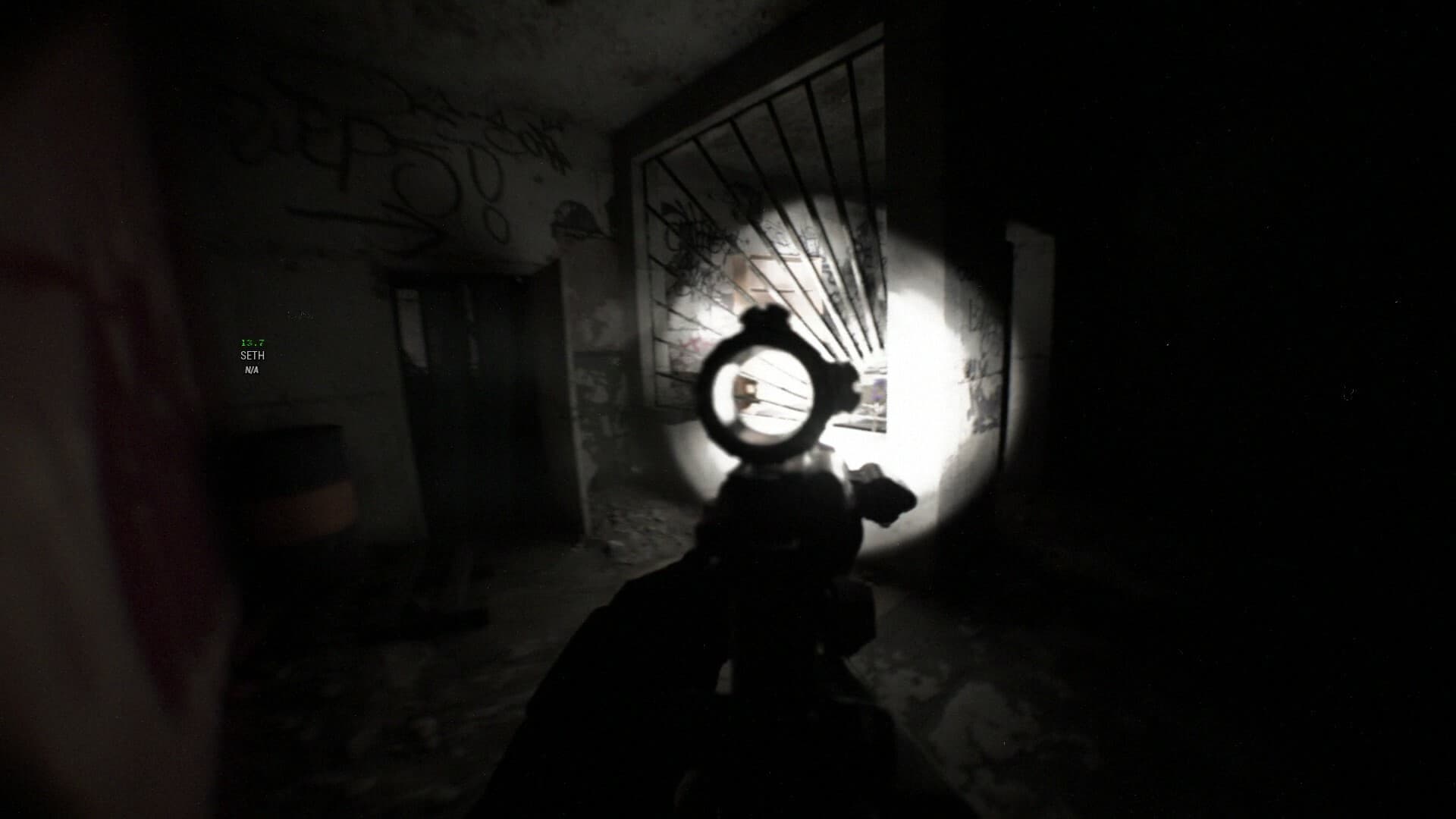
Bodycam is played through a body-mounted camera perspective, and the collected guide explains that the character moves the head and weapon before the rest of the body follows. That creates a free-moving feeling instead of keeping the muzzle permanently locked to the center of the screen. The result can initially feel delayed or loose even when the mouse is responding correctly.
Make smaller corrections and place the muzzle before stepping into a doorway. Sprinting into an unknown room makes it harder to bring the weapon onto a target in time, while walking or jogging keeps the next shot more manageable. The collected player footage repeatedly shows that careful positioning and pre-aiming are more dependable than trying to recover with a large flick after an enemy appears.
Pick a straightforward first mode
Team Deathmatch is one of the easiest starting points because the objective is to eliminate the opposing team. The community guide describes rounds ending when one team is eliminated or time expires, while Deathmatch is a free-for-all format that respawns players and continues until the kill target is reached. Gun Game also uses free-for-all combat, but the weapon changes as the player progresses through kills.
Body Bomb is the more tactical objective mode described in the guide. One side carries and arms the bomb, while the opposing side tries to recover and defuse it; eliminating the enemy team can also decide a round. The current Steam information lists seven modes overall: Wingman, Body Bomb, Team Deathmatch, Deathmatch, Hardpoint, Gun Game, and Zombies.
Use death as an information phase
In team modes, the collected guide says a dead player first returns as a drone. The drone can fly around the map, use a flashlight, and provide information to living teammates, but other players can see and shoot it. Hitting the environment at speed can also end the drone phase, after which the player moves to normal spectating.
Do not hover directly above the teammate you are trying to help, because the drone can reveal that player’s location. Use short callouts that identify a place and direction rather than describing everything on screen. Player footage in the collected material shows teams using drones to find defenders, so shooting hostile drones and changing position after being spotted are practical responses.
Play around sound and limited information
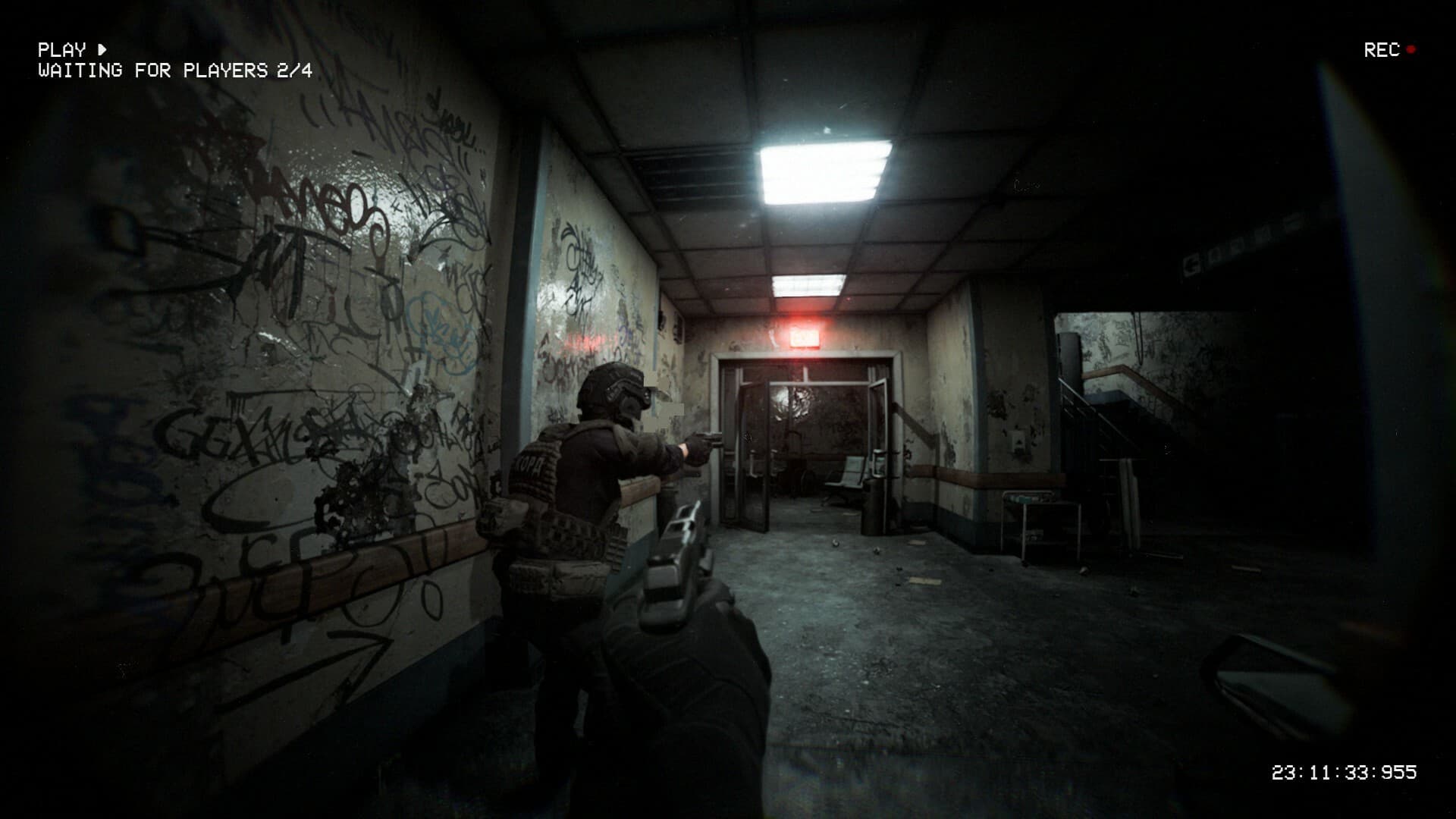
Bodycam’s official Steam description emphasizes that every angle, callout, and bullet matters. The current official material describes no crosshair, no ammunition counter, and no traditional HUD, making sound and map knowledge essential parts of play. Headphones are recommended in the community guide because footsteps and gunfire help establish direction when the screen provides little information.
The flashlight helps in dark interiors, but it also makes the user easier to locate. Crouching can reduce movement noise, while running without a plan can reveal a route before the weapon is ready. The safest approach is to clear one angle at a time and stop assuming that an unseen part of the room is safe.
Prepare before joining a public match
Open the settings menu and confirm keybinds, mouse sensitivity, audio, and performance before using Quickplay or the server browser. The collected guide notes that the server browser shows information such as mode, map, version, host country, and ping. Quickplay was described as unreliable in that 2024 community guide, but its current behavior is 待确认 because the game has continued to change.
Spend time in the available training or range environment to learn how far the weapon moves before the body turns. The goal is not to memorize an invented sensitivity value; no universal sensitivity is supported by the collected sources. A stable frame rate, comfortable controls, and repeatable weapon movement matter more than copying an unsupported “best” number.
A simple first-match plan
Begin with a team mode, follow a teammate without blocking the doorway, and keep the flashlight off until it is actually needed. Walk through uncertain interiors, listen before crossing, and reload from cover instead of in an exposed lane. If you die, use the drone carefully and give one useful callout instead of flying aimlessly.
That is the shortest reliable answer to how to play Bodycam: slow the game down, learn the body-camera aim, and make information part of every decision. The mechanics become more readable once you stop expecting a fixed crosshair and instant arcade movement. Features and bindings affected by future Early Access updates should always be checked in the current game client.
Sources used
This guide consolidates the collected Steam Community “Bodycam Guide for Complete Beginners,” the official Bodycam Steam information, and the gameplay footage stored with this keyword. No unverified sensitivity values, loadouts, or hidden mechanics were added.